High availability_
Run up to five read replicas with asynchronous, synchronous, or quorum replication and automatic failover for your PostgreSQL database.
3 min read
A single database instance is a single point of failure. High availability (HA) adds streaming replicas next to your primary: they replicate continuously, serve read traffic through the connection pooler, and take over automatically when the primary becomes unhealthy.
High availability requires a specification that runs on dedicated compute; the smallest specifications run on shared capacity and do not support replicas.
How it works
Replicas receive changes from the primary through PostgreSQL streaming replication (WAL shipping). Each replica is a full copy of the database on its own compute. When the primary fails, the most caught-up replica is promoted to primary and the hostname is repointed, your application keeps connecting to the same host and port.
Replication modes
| Mode | Behavior | Trade-off |
|---|---|---|
async | The primary commits without waiting for replicas | Fastest writes; a failover can lose the last moments of writes |
sync | The primary waits for one replica to confirm each commit | No data loss on single failure; slightly higher write latency |
quorum | The primary waits for a majority of replicas to confirm each commit | Strongest durability; highest write latency |
async is the default. For production workloads that cannot lose acknowledged writes, use sync with at least two replicas.
Enable high availability
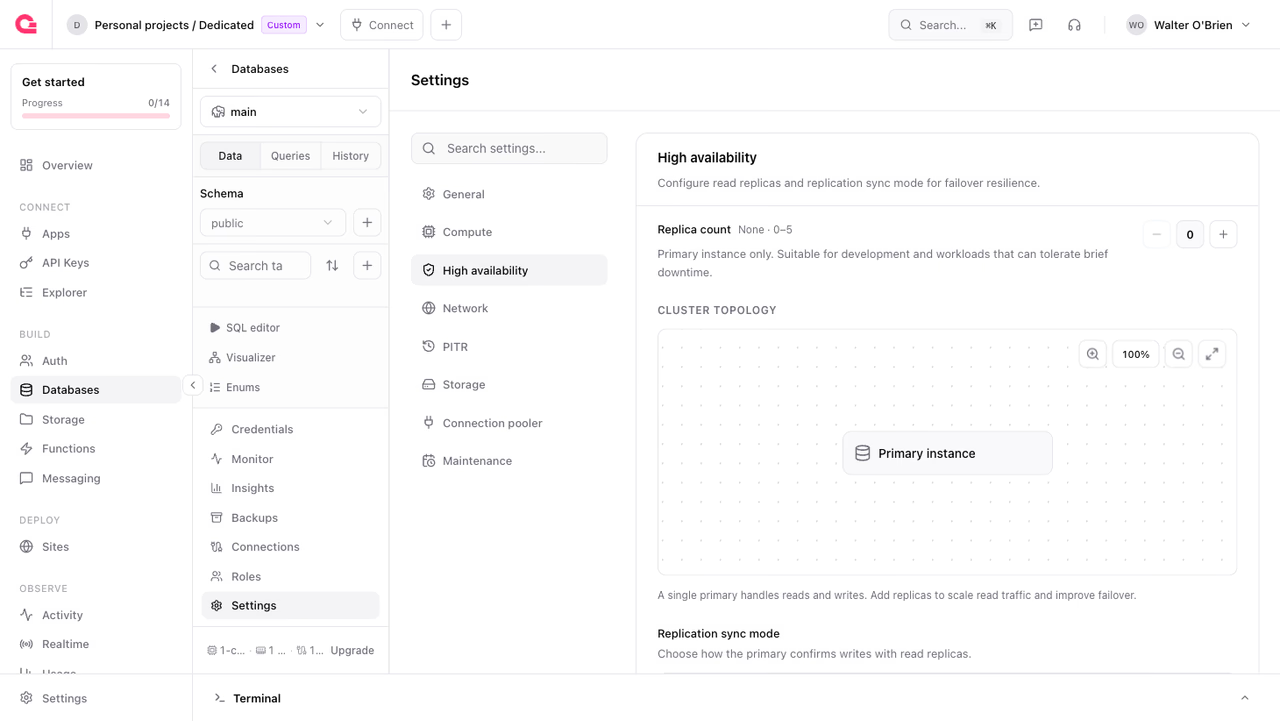
Set the replica count and replication mode on the database, from Settings > High availability in the Console or through the API:
Adding replicas provisions them online; the primary keeps serving traffic while each replica seeds from a snapshot and catches up. Setting replicas back to 0 disables HA.
Check replication status
You can check each replica's role, health, and replication lag:
Automatic failover
Appwrite continuously health-checks the primary. When it becomes unresponsive, the platform promotes the replica with the least replication lag, repoints the database hostname, and marks the old primary for replacement. Your application reconnects to the same hostname; a well-configured driver pool retries and recovers without intervention.
With async replication, writes that had not yet reached the promoted replica are lost in a failover. Use sync or quorum if that is unacceptable.
Manual failover
Trigger a failover yourself, for example to test your application's recovery behavior. Optionally pass targetReplicaId to promote a specific replica.
Reading from replicas
Replicas serve read traffic when read/write splitting is enabled on the connection pooler. With async replication, a read that immediately follows a write can return stale data. Route reads that must see the latest write to the primary, or use sync replication.
Limits and billing
- Up to 5 replicas per database; the maximum depends on your plan.
- Each replica runs on the same specification as the primary and is billed as an add-on. See pricing.
- Replicas live in the same region as the primary.
Was this page helpful?
Share what worked or what we should fix. Once approved, our agents automatically apply suggested updates to the docs.