July product update: New Database features, Sites live, and Console improvements_
Get a full recap of products, features and programs we released in the month of July.

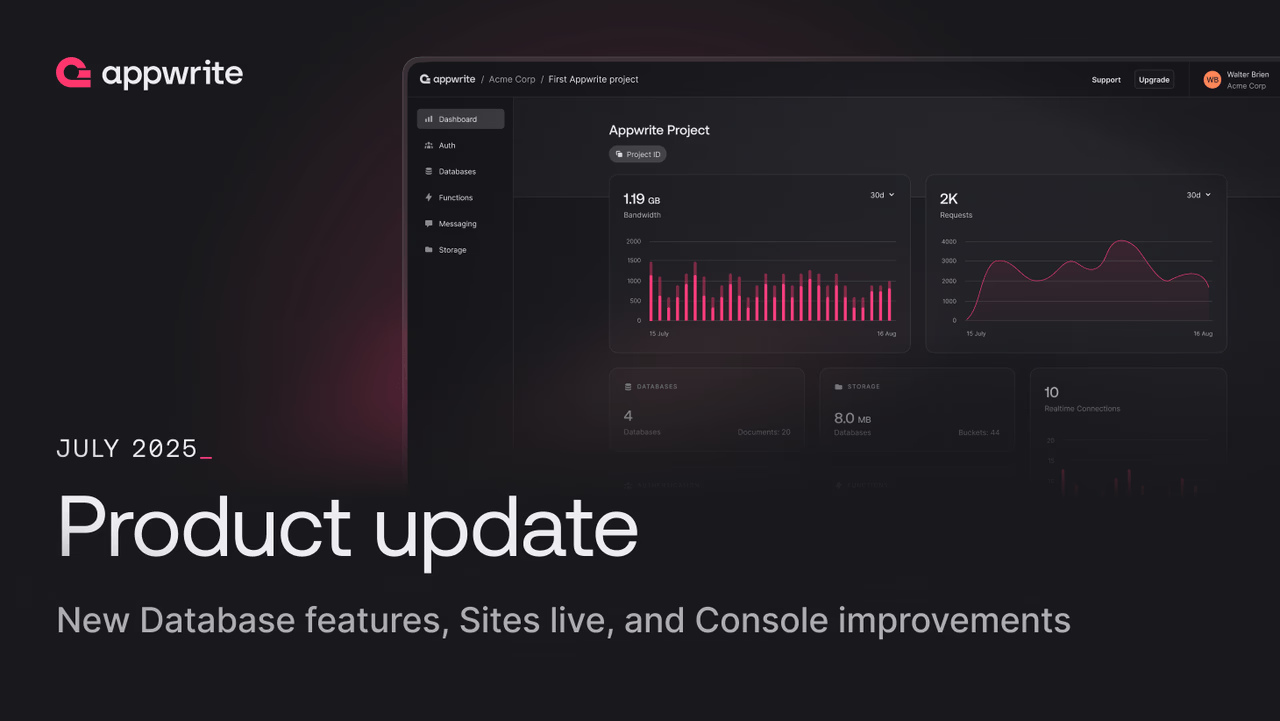
Welcome back to the July Product Update. This month, we have made many, many great releases!
Here’s what to expect:
- Appwrite Sites is now available to all
- Many new Databases features
- Console improvements
- Improved notification previews
Let’s dive in.
Appwrite Sites live for all

Here’s an update many of you’ve been waiting for: Appwrite Sites is now live for all!
You can now host your applications directly from the Appwrite console, making Appwrite an all-in-one development platform to develop, deploy, and scale your apps.
CSV import

We started July with CSV import. Built on top of Appwrite's migration APIs, this Databases feature makes it easy to bring in large datasets, seed tables, or migrate structured data using only a CSV file.
Bulk API
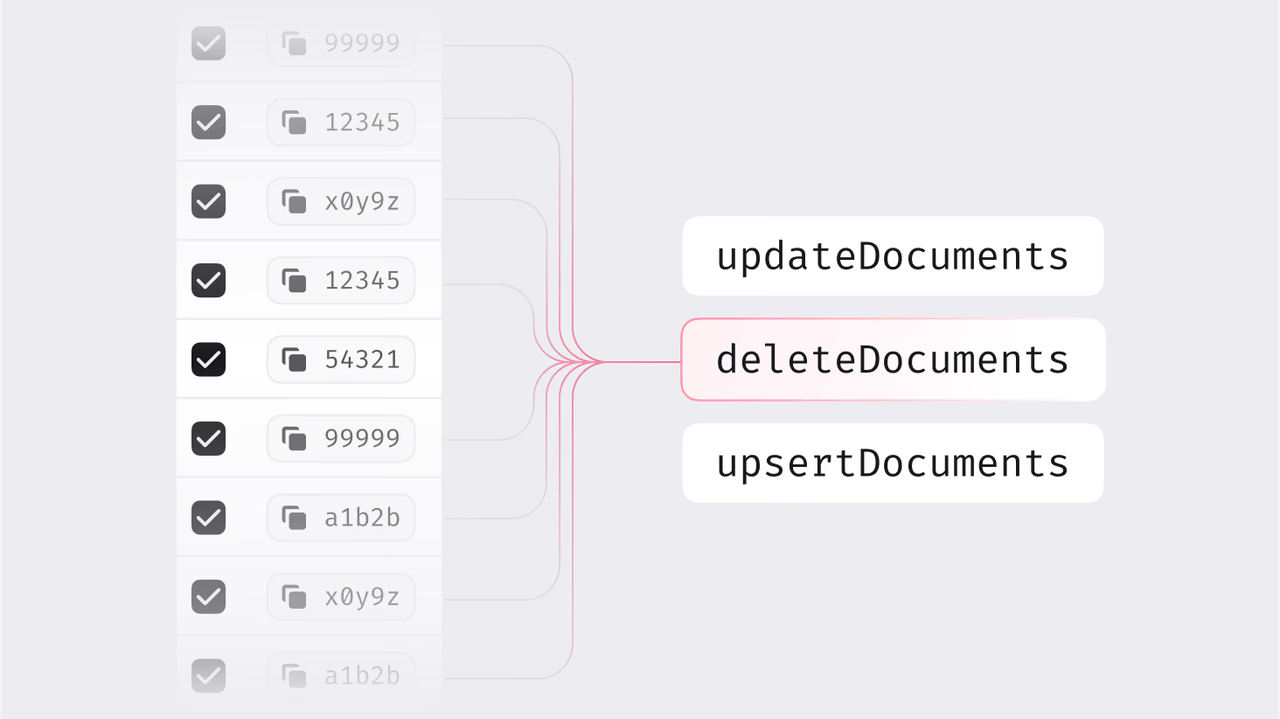
You can now handle heavy data workloads with greater ease. With Bulk API, you can create, update, delete, or upsert multiple rows in a single API call.
This is especially useful for managing large datasets or syncing data between systems without multiple API calls.
Database Upsert
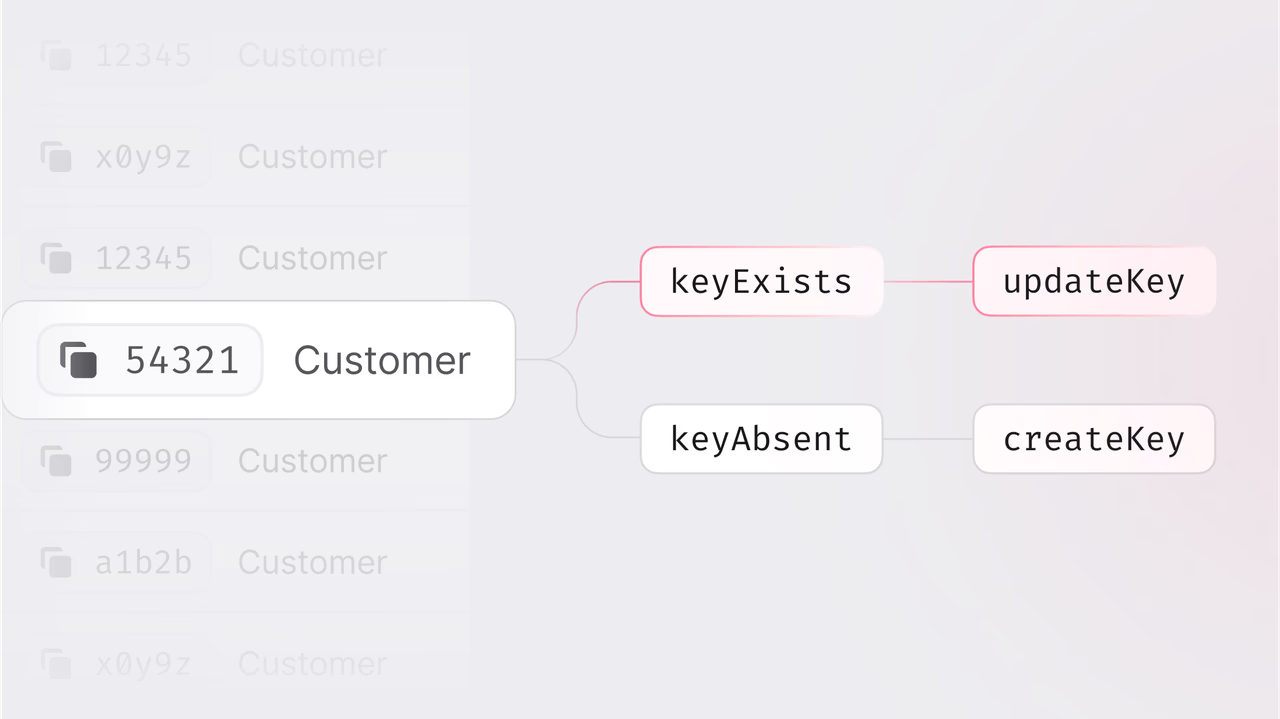
Database Upsert lets you create or update a row with a single API call. If the row exists, it’s updated; if not, it’s created. This removes the need for manual existence checks, reduces extra requests, and simplifies your logic.
Encrypted text column support
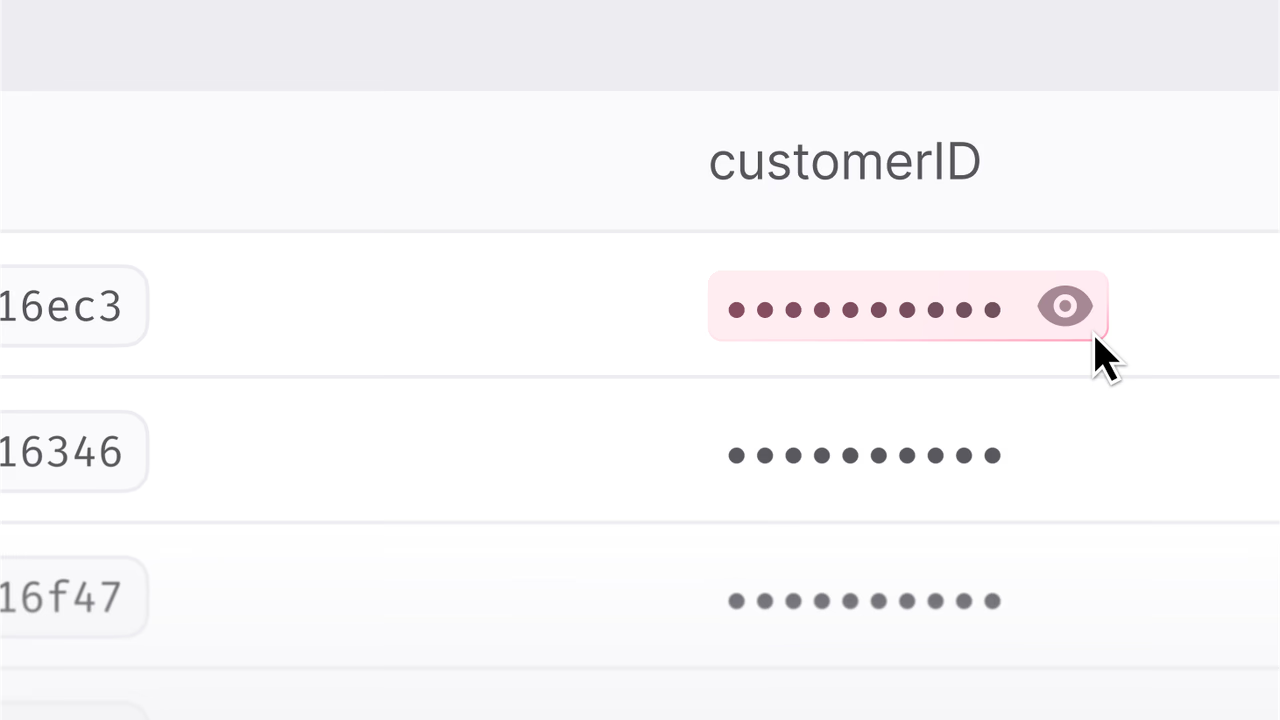
We’ve added an extra layer of security to Appwrite Databases and Storage. This feature allows you to encrypt text columns at rest directly from the Appwrite console, without needing to implement manual encryption.
Auto increment support
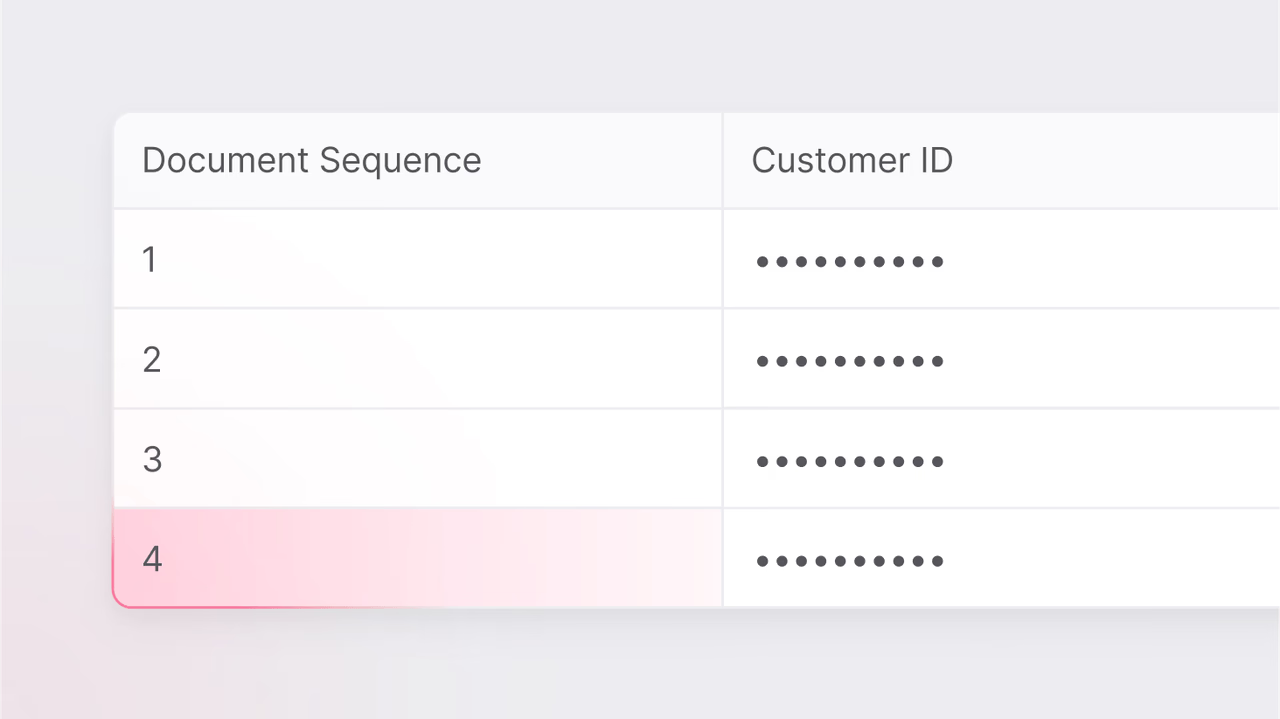
Appwrite Databases now support auto-increment fields. A $sequence column is automatically managed in your table, increasing with each new row. This helps keep your data ordered without requiring manual handling.
Console and deployment improvements

We've shipped several improvements to fix broken flows and clean up the developer experience across Sites, Functions, and the Appwrite Console.
A few of them include:
- Site screenshots now use the Storage API preview route
- The Git deployment modal now auto-fills your production branch
- Domain validation status now updates in real-time
And many more. View the full changelog for more details
Smarter notifications

We’ve just added new previews for all Appwrite OTP emails. End users can now view the code/OTP without opening the message.
Here’s what improved:
- Key info is shown at the top
- Notifications are cleaner and easier to read
- Clearer copy makes actions quicker and reduces confusion
Community recognitions

This month, we’re excited to feature Idea Tracker as part of our Monthly Community recognitions.
Idea Tracker is an application that helps you save and track project ideas you plan to build.
A big shout-out to Abhi Varde.
If you'd like to participate in next month's Community Recognitions, join our Discord server to showcase your project.
Engineering resources
Read
Watch
What’s to come
That’s a wrap for July. Next month, we will have more database updates, including good news for developers working with SQL, and some very big news!
Stay tuned!
Follow us on X and check our Changelog regularly, as we will release more information in the coming weeks.