Announcing Bulk API: Handle heavy data workloads with ease_
Perform multiple database operations in a single API call. Enjoy faster writes and better performance for heavy server-side workloads.

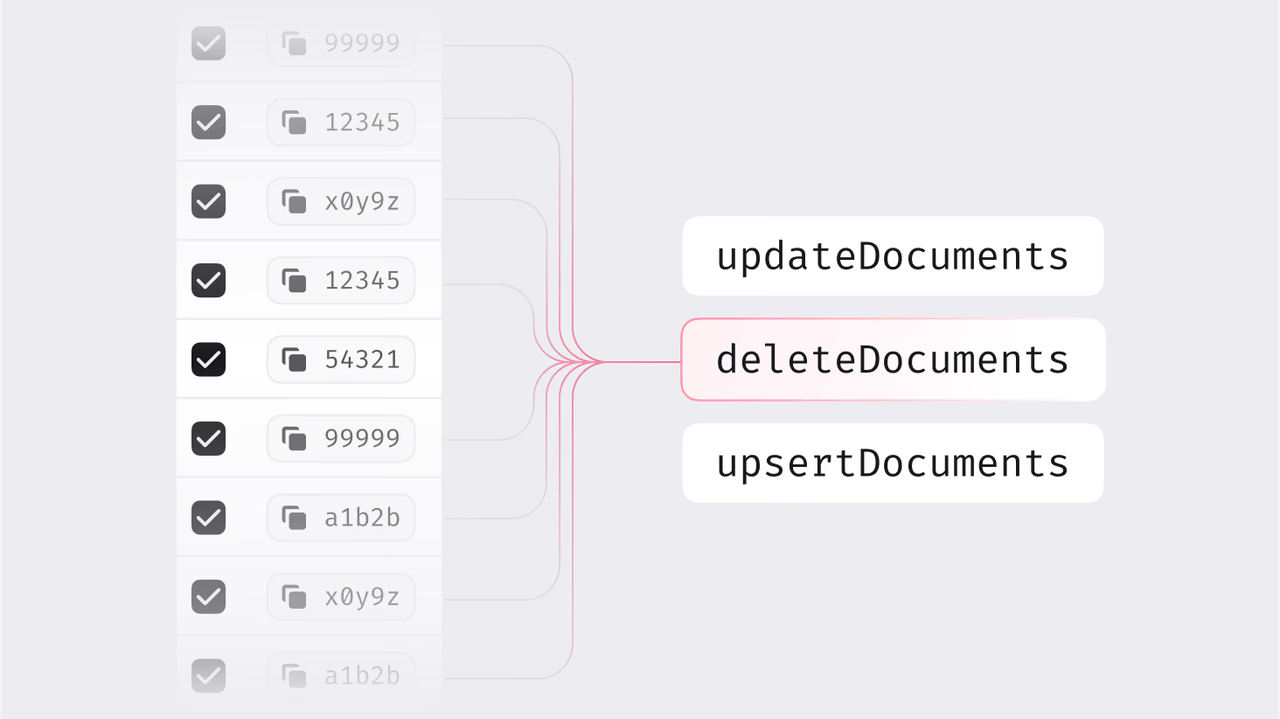
We're excited to introduce another Appwrite Databases feature, Bulk API. Explicitly designed to handle heavy write workloads, Bulk API dramatically improves performance by allowing multiple database operations in a single API call.
Faster development with bulk actions
Previously, writing or modifying large amounts of data in Appwrite Databases required sending one request per row. This method was inefficient, slow, and resource-intensive, especially when dealing with thousands of records.
With the new Bulk API, you can create, update, or delete multiple rows in one go, vastly speeding up your workflows and reducing network overhead.
Optimized for server-side workloads
Bulk API is crafted for server-side applications, particularly those with significant data demands. Whether you’re importing large datasets, performing batch updates, or cleaning out old records, Bulk API streamlines your workload, drastically cutting down the number of requests and enhancing your application's performance.
This will have immediate and impactful benefits such as:
- Speed improvements: Rapidly handle thousands of operations simultaneously.
- Lower network overhead: Significantly fewer API requests needed, making your application faster and more efficient.
- Seamless integration: Works effortlessly using Appwrite Cloud or hosting yourself.
Bulk operations can only be performed via the server-side SDKs. The client-side SDKs do not support bulk operations.
How it works
Utilizing the Bulk API is straightforward. You can use it to:
- Create multiple rows in a single request using the
createRowsmethod - Update multiple rows in a single request using the
updateRowsmethod - Delete multiple rows in a single request using the
deleteRowsmethod - Upsert multiple rows in a single request using the
upsertRowsmethod
Here is a code example for creating multiple rows in a single request:
const sdk = require('node-appwrite');
const client = new sdk.Client()    .setEndpoint('https://<REGION>.cloud.appwrite.io/v1')    .setProject('<PROJECT_ID>')    .setKey('<API_KEY>');
const tablesDB = new sdk.TablesDB(client);
const result = await tablesDB.createRows({    databaseId: '<DATABASE_ID>',    tableId: '<TABLE_ID>',    rows: [        {            $id: sdk.ID.unique(),            name: 'Row 1',        },        {            $id: sdk.ID.unique(),            name: 'Row 2',        }    ]});
Built for intensive data tasks
Bulk API was designed to move large volumes of data in and out of Appwrite. By simplifying and speeding up these tasks, Bulk API unlocks previously challenging use-cases, expanding what's possible with Appwrite.
With Bulk API, your high-performance data operations are faster, simpler, and more efficient.