Database permissions_
Control access to your VectorsDB data with permissions. Learn how to set collection level and document level access rules.
2 min read
Permissions define who can access documents in a collection. By default no permissions are granted to any users, so no user can access any documents. Permissions exist at two levels, collection level and document level permissions.
In Appwrite, permissions are granted, meaning a user has no access by default and receives access when granted. A user with access granted at either collection level or document level will be able to access a document. Users don't need access at both levels to access documents.
Permissions are evaluated when documents are accessed through a Client SDK. Server SDKs authenticated with an API key bypass permissions, so the examples below use a Server SDK to set and read back the permissions that a client would then be evaluated against.
Collection level
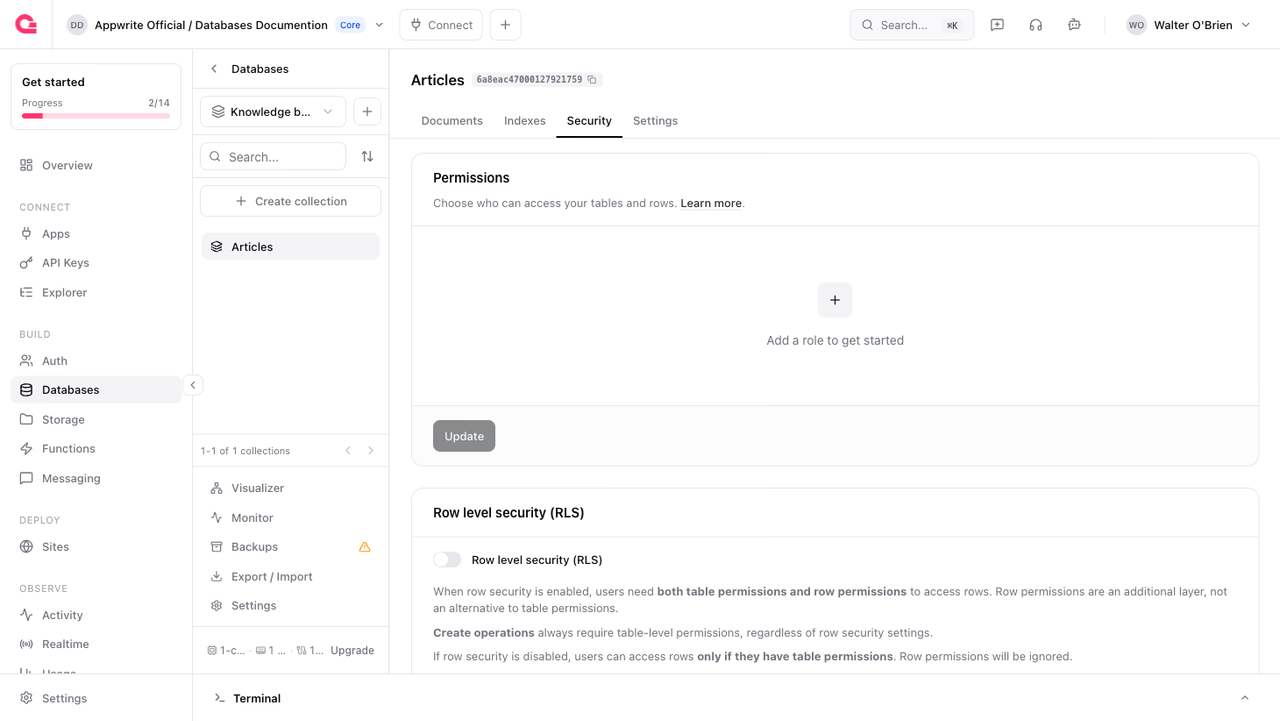
Collection level permissions apply to every document in the collection. If a user has read, create, update, or delete permissions at the collection level, the user can access all documents inside the collection.
Configure collection level permissions by navigating to Your collection > Security > Permissions, or pass a permissions array when you create or update the collection.
To change a collection's permissions later, pass a new permissions array to updateCollection. The name is required when updating.
Learn more about permissions and roles
Document level
Document level permissions grant access to individual documents. If a user has read, update, or delete permissions at the document level, the user can access the individual document.
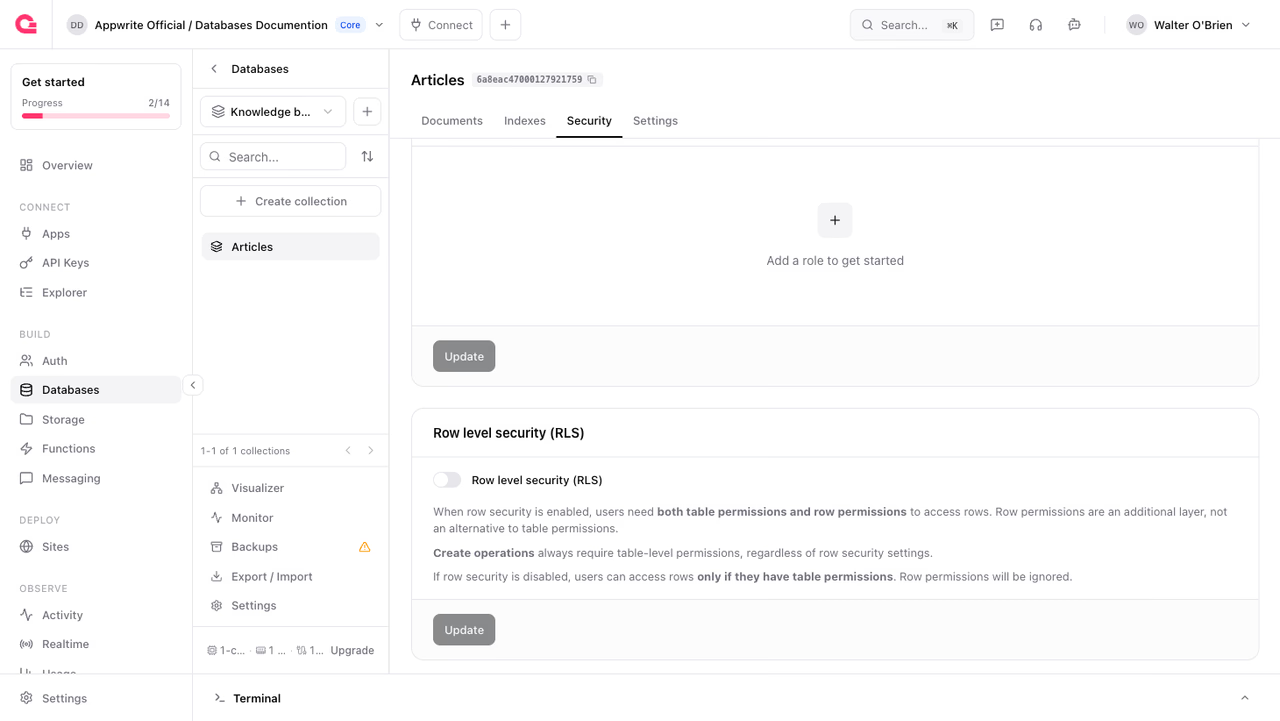
Document level permissions are only applied if documentSecurity is enabled on the collection. Enable it in the Console by navigating to Your collection > Security > Document security, or by setting documentSecurity to true when you create or update the collection, as shown above.
Set permissions on an individual document by passing a permissions array to createDocument. Use Role.user('<USER_ID>') to scope access to a specific user.
To change a document's permissions later, pass a new permissions array to updateDocument. Only the fields you pass are changed, so you can update permissions without touching the vector or metadata.
Learn more about permissions and roles
Common use cases
For examples of how to implement common permission patterns, including creating private documents that are only accessible to their creators, see the permissions examples in our platform documentation.
Was this page helpful?
Share what worked or what we should fix. Once approved, our agents automatically apply suggested updates to the docs.