Announcing Realtime Channel helpers: Type-safe subscriptions made simple_
Build realtime subscriptions faster with a fluent, chainable API that reduces errors and improves code clarity.

If you've built realtime features in your apps, you've likely written channel strings by hand: concatenating IDs, formatting wildcards, and hoping you didn't introduce a typo that would silently break your subscription. While writing channel strings like tablesdb.*.tables.*.rows.* works, it's error-prone and harder to maintain as your application grows.
To make realtime subscriptions clearer and safer, Appwrite is introducing Channel helpers: a type-safe, fluent API for building realtime channel subscriptions.
Type-safe channels, zero typos
Channel helpers eliminate the manual work of writing channel strings. Instead of concatenating strings and worrying about syntax errors, you use a chainable API that guides you through building valid channel subscriptions.
The helper provides IDE autocomplete, catches errors at compile time, and makes your subscription logic self-documenting. No more guessing the correct format or debugging silent subscription failures caused by a misplaced dot or asterisk.
How it works
Channel helpers are available through the Channel class in all Appwrite client SDKs. The API is designed to be intuitive and mirrors the structure of your Appwrite resources.
Here's how you build a subscription to a specific row:
import { Client, Realtime, Channel } from "appwrite";
const client = new Client()    .setEndpoint('https://<REGION>.cloud.appwrite.io/v1')    .setProject('<PROJECT_ID>');
const realtime = new Realtime(client);
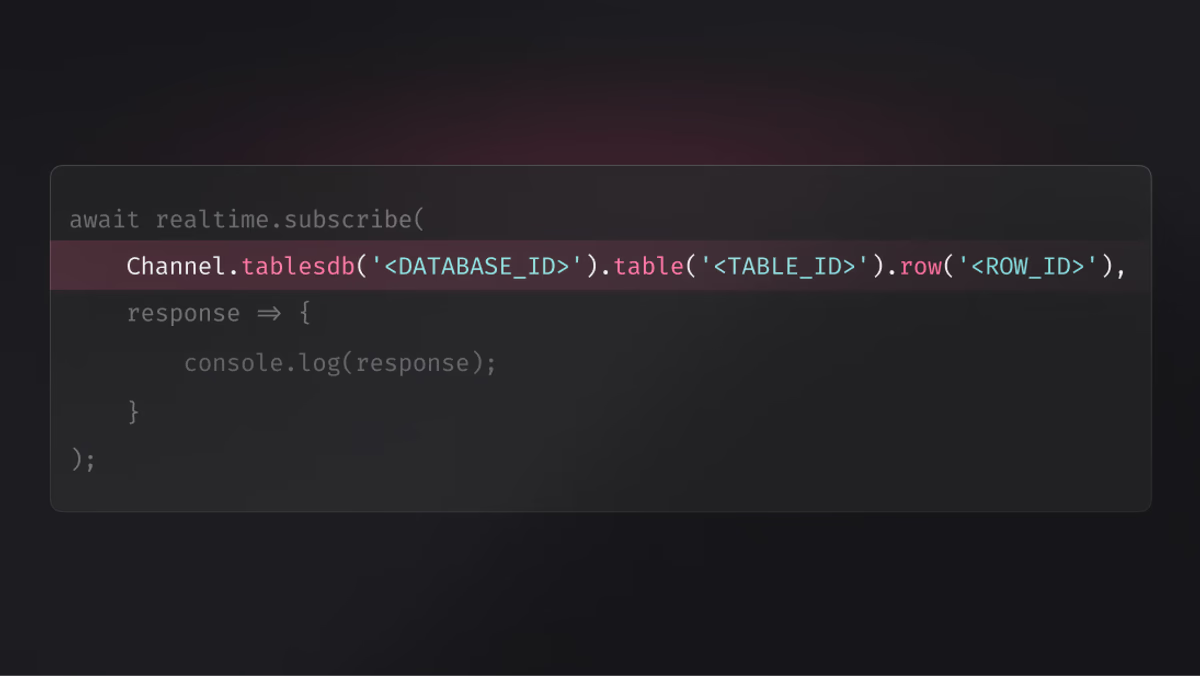
// Subscribe to a specific row with type-safe helpersconst subscription = await realtime.subscribe(    Channel.tablesdb('<DATABASE_ID>').table('<TABLE_ID>').row('<ROW_ID>'),    response => {        console.log(response);    });
Instead of writing tablesdb.<DATABASE_ID>.tables.<TABLE_ID>.rows.<ROW_ID>, the helper builds the correct string for you while providing autocomplete and validation every step of the way.
Flexible and composable
Channel helpers support the full range of Appwrite's realtime capabilities. You can:
- Subscribe to all resources: Omit IDs to use wildcards automatically
- Filter by event type: Chain
.create(),.update(), or.delete()to listen only to specific events - Build complex subscriptions: Combine multiple helpers in a single call
// Subscribe to all account eventsconst subscription = await realtime.subscribe(Channel.account(), response => {    console.log(response);});
// Subscribe to all row updates in a specific tableconst rowSubscription = await realtime.subscribe(    Channel.tablesdb('<DATABASE_ID>').table('<TABLE_ID>').row().update(),    response => {        console.log('Row updated:', response.payload);    });
// Subscribe to multiple channels at onceconst multiSubscription = await realtime.subscribe([    Channel.tablesdb('<DATABASE_ID>').table('<TABLE_ID>').row('<ROW_ID>'),    Channel.files()], response => {    console.log(response);});
Key benefits
- Type-safe subscriptions: Catch errors at compile time instead of runtime
- IDE autocomplete: Build channels faster with intelligent suggestions
- Self-documenting code: Channel structure is clear and readable
- Reduced errors: Eliminate typos and formatting mistakes
- Consistent API: Same helper syntax across all client SDKs
- Backwards compatible: Existing string-based subscriptions continue to work
Available across all platforms
Channel helpers are available in all Appwrite client SDKs: Web, Flutter, Apple, and Android. Each SDK provides the same fluent API, making it easy to build consistent realtime features across platforms.
The helpers support all available channels, including:
- Account events
- Database rows
- Storage files
- Team and membership updates
- Function executions
Existing subscriptions using string channels continue to work, ensuring a smooth transition for current projects.