Announcing inversion queries: Exclusion rules made simple_
Adding five new NOT operators to let you exclude what you don’t need while keeping queries efficient.

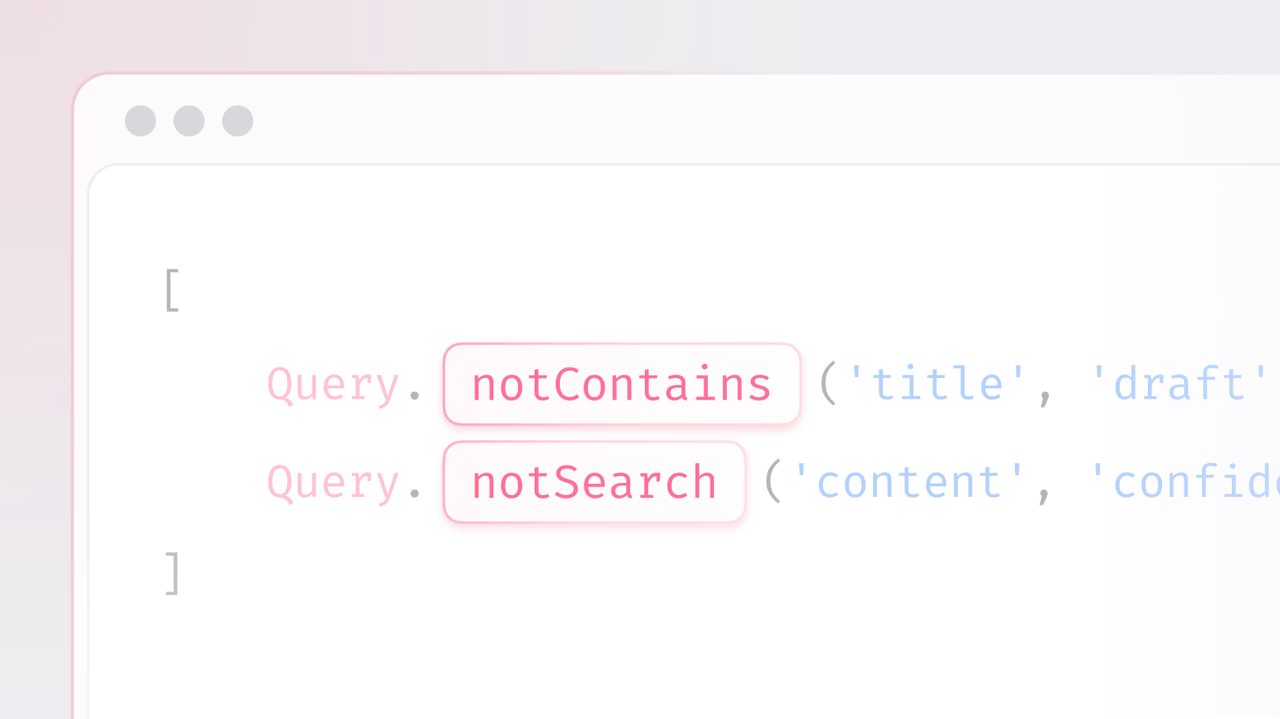
When you need to exclude certain records, the usual approach is to fetch a broad set of rows, sometimes even the entire table, and then filter them in your application code.
It works, but it also means you are moving more data across the network than necessary, increasing payload sizes, and adding extra logic to your client. In smaller projects this might not be noticeable, but as your datasets grow, it quickly becomes inefficient.
That changes today.
We’re introducing inversion Queries: A new set of NOT operators that let you filter by exclusion directly in your Appwrite queries.
Excluding data just got easier
Exclusion rules come in many forms. Sometimes you need to ignore rows that contain a specific keyword, sometimes you want values that fall outside a numeric range, and other times you need to filter out records based on prefixes or suffixes. These are standard requirements, but they often require extra application-side filtering after fetching results.
With inversion queries, you can express these cases directly in your database calls. The new set of NOT operators gives you a way to describe “everything except” conditions without leaving the query itself.
They include:
notContains: Find rows where the column does not contain the given substringnotSearch: Find rows where the column does not match the search querynotBetween: Find rows where the column is not between two given valuesnotStartsWith: Find rows where the column does not start with the given valuenotEndsWith: Find rows where the column does not end with the given value
Why does this matter?
By moving negative filters into the query engine itself, you gain:
- Efficiency: Smaller result sets, fewer wasted reads.
- Cleaner code: Exclusion logic lives in the query, not your app layer.
- Flexibility: Easy to add “everything except…” rules without restructuring queries.
- Composability: Combine
not*operators with other filters for precise control. - Index-awareness: These operators use the same indexes as their positive counterparts, though keep in mind that
NOTconditions can sometimes be less selective.
Practical use cases
Inversion queries open the door to workflows like:
- Moderation pipelines: Block banned keywords at the query level.
- AB testing: Exclude users already bucketed into an experiment.
- Search filters: Hide categories or tags from results without post-filtering.
- Data hygiene: Skip over ranges of test accounts or synthetic data.
- Compliance: Avoid restricted or flagged records directly in queries.
Get started
Inversion queries are available now in Appwrite Cloud and Self-Hosted.
Next time you find yourself writing “fetch everything, then filter out X,” let the database do the heavy lifting. Your code stays lean, your queries stay efficient, and your apps stay faster.