Announcing Atomic numeric operations: Safe, server-side increments and decrements_
Safely update numeric columns like counters, stock levels, or credits without fetching or rewriting the row.

In high-concurrency systems like social apps, games, and usage-tracked services, even updating a single number such as a like, retry count, or quota, can lead to consistency issues. When multiple clients try to update the same value simultaneously, it’s easy to end up with conflicting writes, lost updates, or inaccurate data.
Most setups require you to fetch the row, change the number on the client, and then write it back. This process is slow, error-prone, and wastes bandwidth, especially when you're only trying to change a single column.
To change this, we introduce Atomic numeric operations in Appwrite.
A new feature that lets you increment or decrement numeric columns directly on the server, without fetching the full row. It’s fast, safe, bandwidth-efficient, and concurrency-friendly.
Race-free numeric updates
Before this feature, updating a number meant fetching the entire row, modifying it on the client, and writing it back, a process prone to race conditions, unnecessary bandwidth use, and extra logic to handle edge cases.
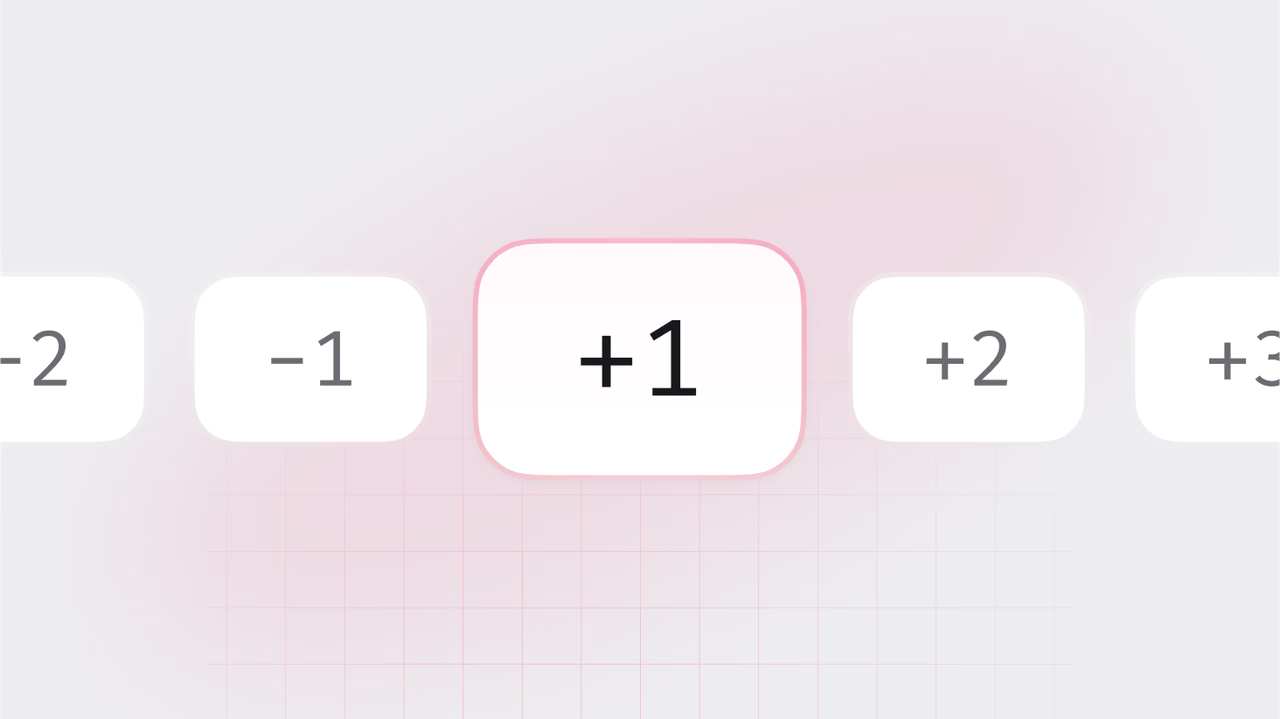
With Atomic numeric operations, you simply send a delta (like +1 or -3), and Appwrite applies the update atomically on the server. No full row reads, no conflicts, no custom logic. Just consistent, permission-aware updates that work reliably under load.
Built for real-time, multi-user systems
Whether you're tracking a counter, enforcing quotas, or updating state in real time, numeric fields are some of the most frequently mutated values in any system and often the most vulnerable to conflicts under load.
Atomic numeric operations are built specifically for these scenarios. They ensure that every increment or decrement happens safely on the server, even when multiple updates happen at the same time.
Use it for:
- Social features: likes, followers, reactions
- Usage metering: API credits, storage consumption, billing units
- Games: player scores, lives, retry counters
- E-commerce: stock levels, inventory counts, cart items
- Workflows and infrastructure: rate limits, retries, processing attempts
Performing an atomic operation
Use the incrementRowColumn and decrementRowColumn methods to perform atomic numeric operations. The server will apply these changes atomically under concurrency control.
Increment a field
import { Client, TablesDB } from "appwrite";
const client = new Client()    .setEndpoint('https://<REGION>.cloud.appwrite.io/v1') // Your API Endpoint    .setProject('<YOUR_PROJECT_ID>'); // Your project ID
const tablesDB = new TablesDB(client);
const result = await tablesDB.incrementRowColumn({    databaseId: '<DATABASE_ID>',    tableId: '<TABLE_ID>',    rowId: '<ROW_ID>',    column: 'likes',    value: 1});
Decrement a field
import { Client, TablesDB } from "appwrite";
const client = new Client()    .setEndpoint('https://<REGION>.cloud.appwrite.io/v1') // Your API Endpoint    .setProject('<YOUR_PROJECT_ID>'); // Your project ID
const tablesDB = new TablesDB(client);
const result = await tablesDB.decrementRowColumn({    databaseId: '<DATABASE_ID>',    tableId: '<TABLE_ID>',    rowId: '<ROW_ID>',    column: 'credits',    value: 5});
Immediate benefits
This feature solves a common problem with a clean, built-in approach. You don’t need to write custom logic to handle concurrency, retries, or limits. It’s a simple API call that replaces a lot of complex edge-case handling. And it just works.
Atomic by default: Every delta is applied in a single server-side write. The row is locked during the update, so there’s no room for race conditions or overlapping writes, even under heavy concurrency.
Supports both increments and decrements: You're not limited to just adding
+1. You can apply any positive or negative delta, whether you're increasing API credits or reducing stock levels after a purchase.Built-in constraints: You can define optional
minandmaxbounds on the value. If the update would push the value outside that range, it’s rejected. Great for enforcing limits like “stock can’t go below zero” or “credits can't exceed a cap.”Respects permissions: This works just like any other Appwrite row update. If the user doesn’t have permission to modify the row, the update doesn’t go through. No exceptions.
Atomic numeric operations are live for both Appwrite Cloud and Self-Hosted environments.
This is a core building block for modern, concurrent-safe applications and it’s now built into Appwrite’s row update flow.