Amazon SES_
Send emails to your Appwrite users using Amazon SES and Appwrite Messaging.
3 min read
Amazon SES lets you send customized email messages to your users. These emails can be sent immediately or scheduled. You can send emails for purposes like reminders, promotions, announcements, and even custom authentication flows.
1. Add provider
To add Amazon SES as a provider, navigate to Messaging > Providers > Add provider, then choose Amazon SES under Email.
Give your provider a name and complete the configuration, then click Create provider.
2. Configure provider
In the configuration step, you will need credentials from the AWS console to connect your Appwrite project.
You will need to provide the following information from your AWS account.
| Field name | |
|---|---|
| Access key | An IAM access key ID with permission to send email through Amazon SES. Create access keys in the IAM console. |
| Secret key | The secret access key that belongs to the access key ID. |
| Region | The AWS region of your verified SES identity. Select the same region you use in the Amazon SES console. |
| Sender email | The provider sends emails from this sender email. The address must be a verified email or belong to a verified domain in Amazon SES. |
| Sender name | The sender name that appears in the emails sent from this provider. |
| Reply-to email | The reply-to email that appears in the emails sent from this provider. |
| Reply-to name | The reply-to name that appears in the emails sent from this provider. |
After adding the following details, click Create provider to save and enable the provider.
3. Test provider
Before sending your first message, make sure you've configured a topic and a target to send messages to.
To send a test message, navigate to Messaging > Messages > Create message > Email.
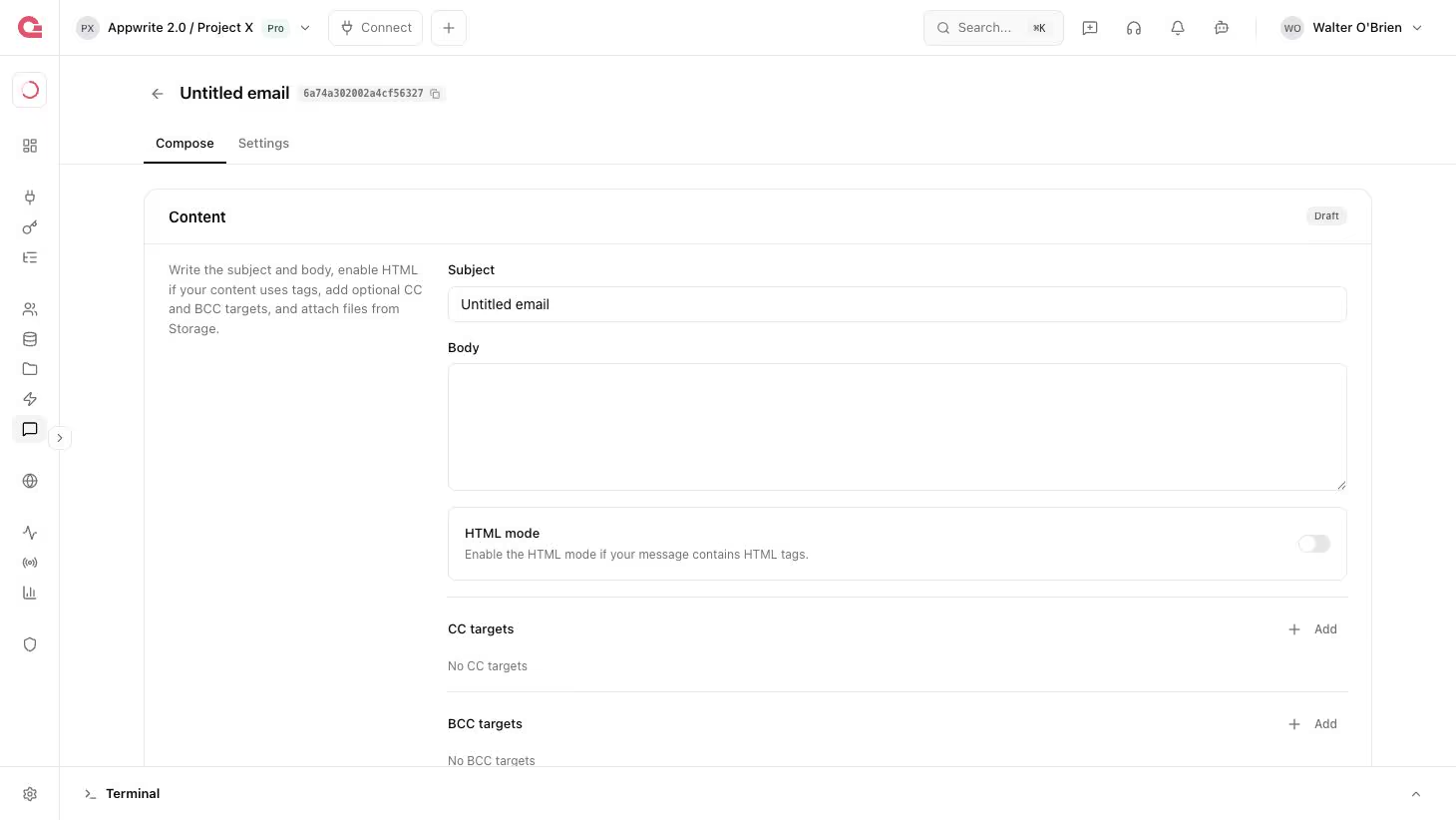
Add your message and in the targets step, select one of your test targets. Set the schedule to Now and click Send.
Verify that you can receive the message in your inbox. If not, check for logs in the Appwrite Console or in your provider's logs.
You can also send email programmatically with an Appwrite Server SDK. Follow the Send email messages guide to send your first email message and test your provider.
4. Manage provider
Was this page helpful?
Share what worked or what we should fix. Once approved, our agents automatically apply suggested updates to the docs.