Quick start_
Create your first native MySQL database in the Appwrite Console, retrieve its credentials, and run your first queries with the mysql client.
2 min read
You can create a MySQL database and run your first query in a few minutes.
Create a database
- In your project, go to Databases.
- Click Create database.
- Give your database a name, and optionally a custom database ID.
- Under Choose database type, select MySQL from the Native databases group.
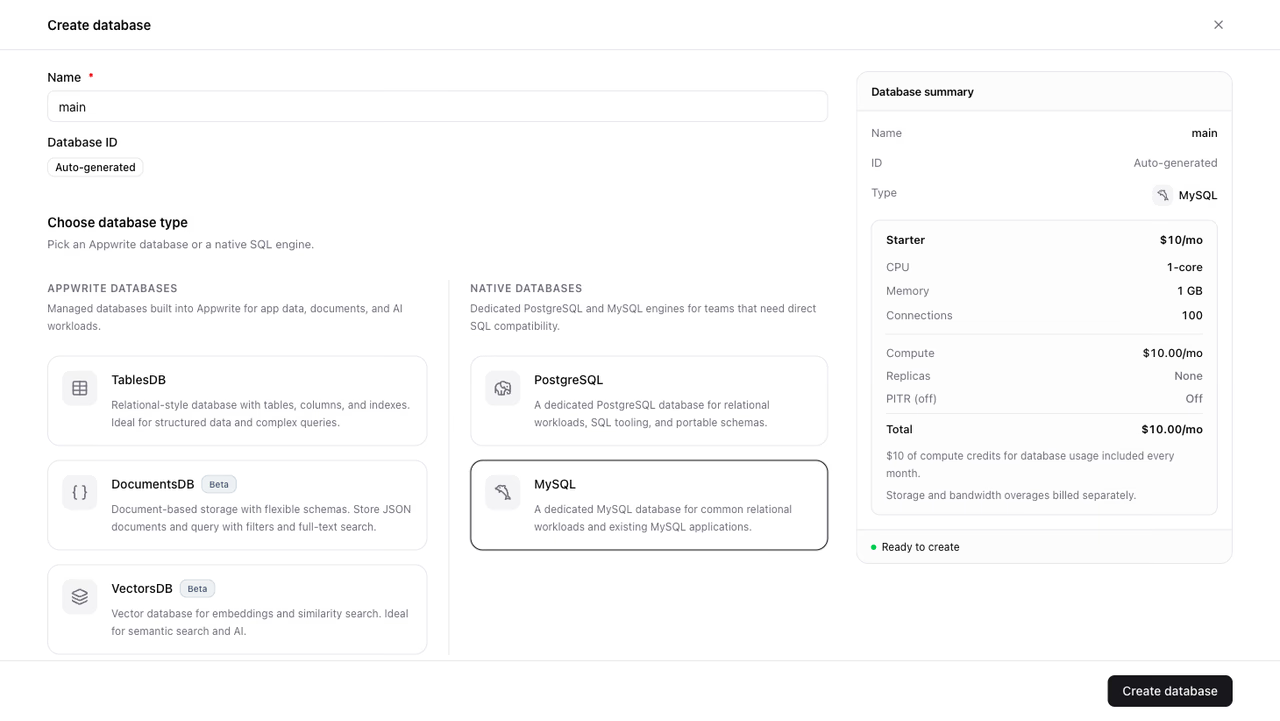
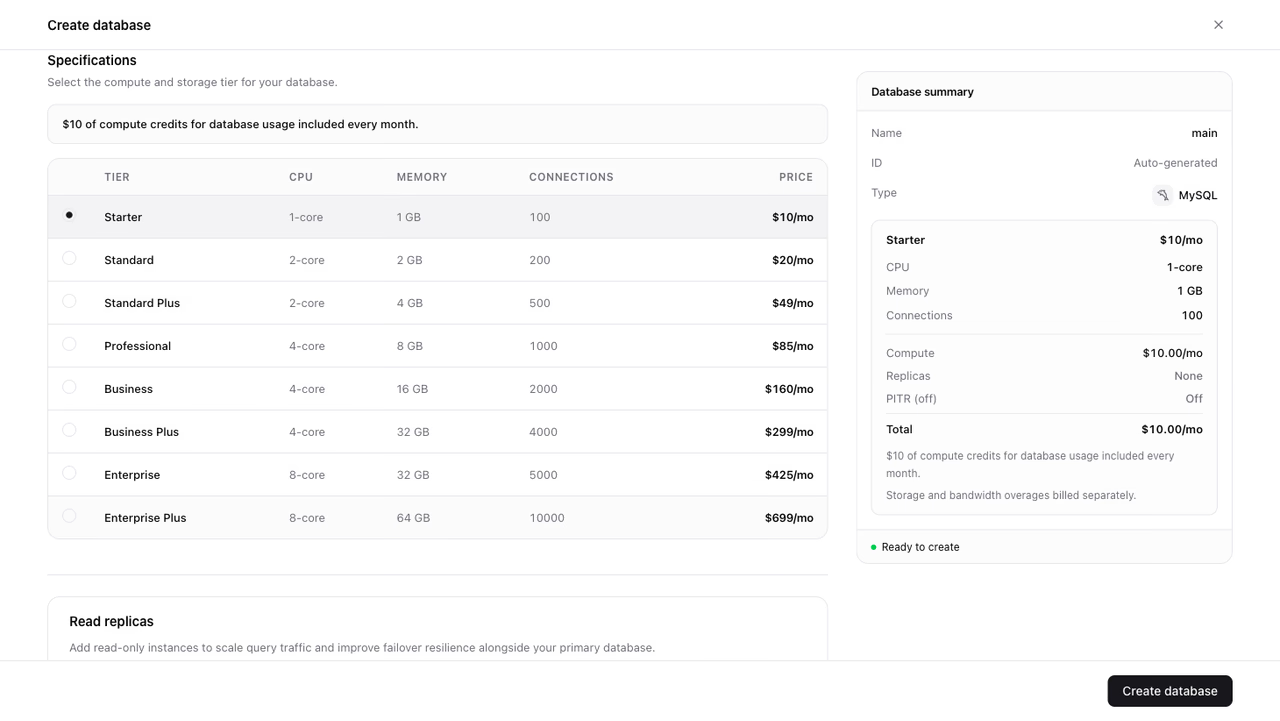
- Under Specifications, select your preferred tier.
- Optionally configure Read replicas and Point-in-time recovery (PITR). You can change both later.
- Review the database summary and click Create database.
Your database starts provisioning and becomes ready shortly after.
Get your connection details
The connection details are returned on the database object. Fetch the database with an API key that has the databases.read scope:
import { Client, Mysql } from 'node-appwrite';
const client = new Client()    .setEndpoint('https://<REGION>.cloud.appwrite.io/v1')    .setProject('<PROJECT_ID>')    .setKey('<YOUR_API_KEY>');
const mysql = new Mysql(client);
const database = await mysql.get({    databaseId: '<DATABASE_ID>',});
console.log(database.connectionString);
The response includes the hostname, port, username, password, and the generated database name, plus a ready-made connection string in the form mysql://admin:<password>@db-<hash>.<region>.appwrite.center:3306/<database>. See Connections for the full response and every language.
Connect with the mysql client
Pass the connection details to the mysql command-line client:
mysql -h db-<hash>.<region>.appwrite.center -P 3306 -u admin -p -D <database>Enter the password when prompted.
Run your first queries
Create a table, insert a row, and read it back:
CREATE TABLE books (    id BIGINT AUTO_INCREMENT PRIMARY KEY,    title TEXT NOT NULL,    author TEXT NOT NULL);
INSERT INTO books (title, author)VALUES ('The Hitchhiker''s Guide to the Galaxy', 'Douglas Adams');
SELECT * FROM books;
You can run the same queries from your application with any MySQL driver. See Connections for driver examples.
Next steps
Was this page helpful?
Share what worked or what we should fix. Once approved, our agents automatically apply suggested updates to the docs.